Remove backgrounds. Replace backgrounds.
Fast, free, and offline‑ready.
Drag & drop your image in the Studio, choose quality (480p–2K), remove the background, then add your own background or use presets. Download or save to your offline gallery.
📘 How it works (1‑minute tutorial)
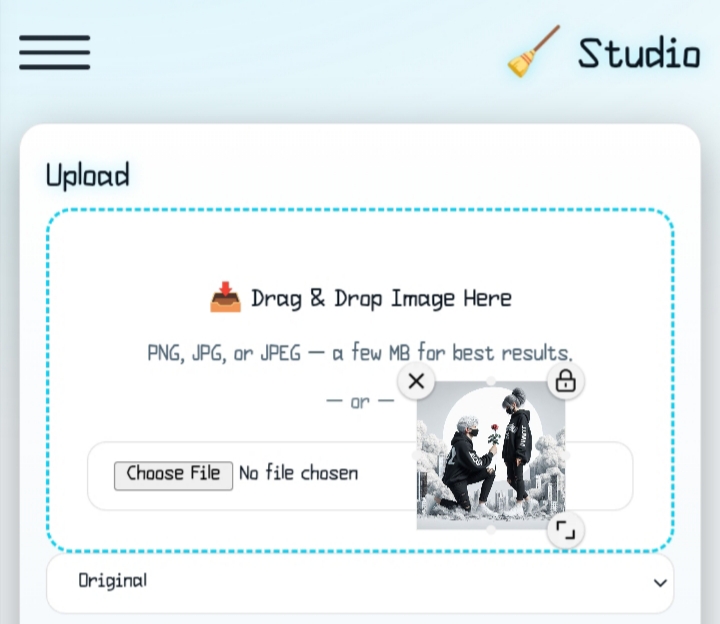
Pick a file or drag it into the Studio. JPG/PNG are supported.
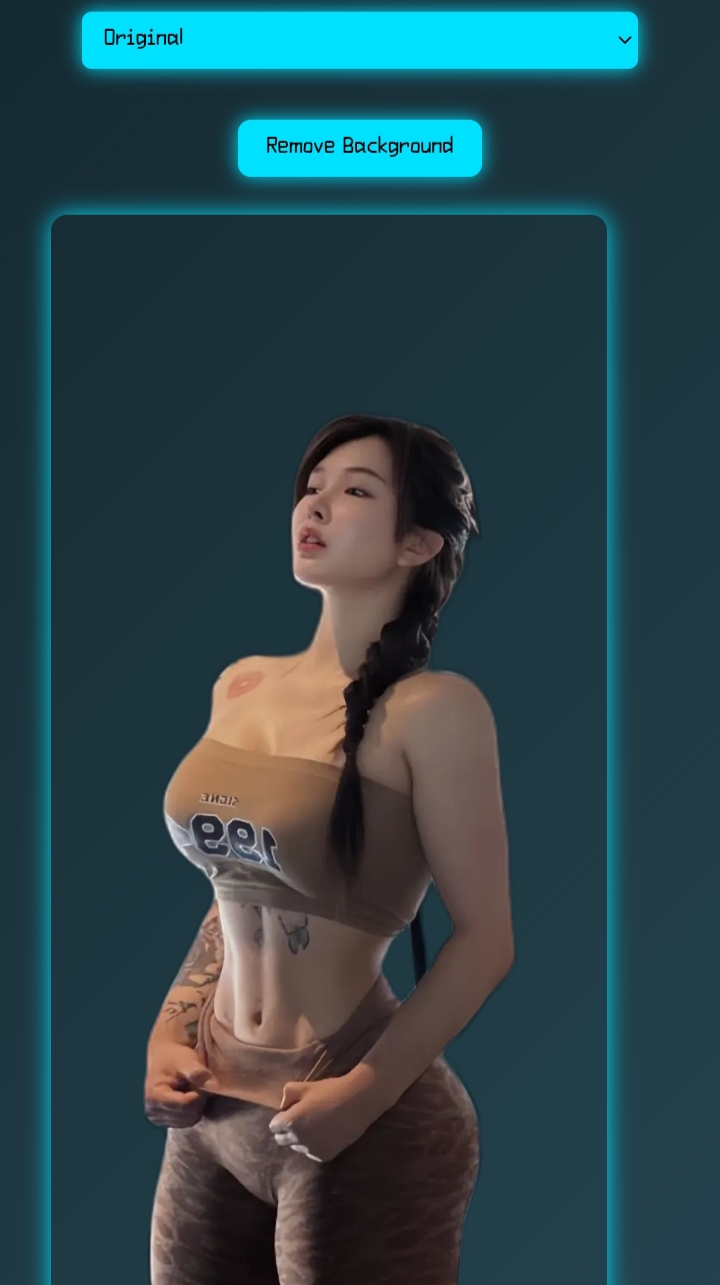
Choose quality (Original/480p/1080p/2K) and click Remove Background.
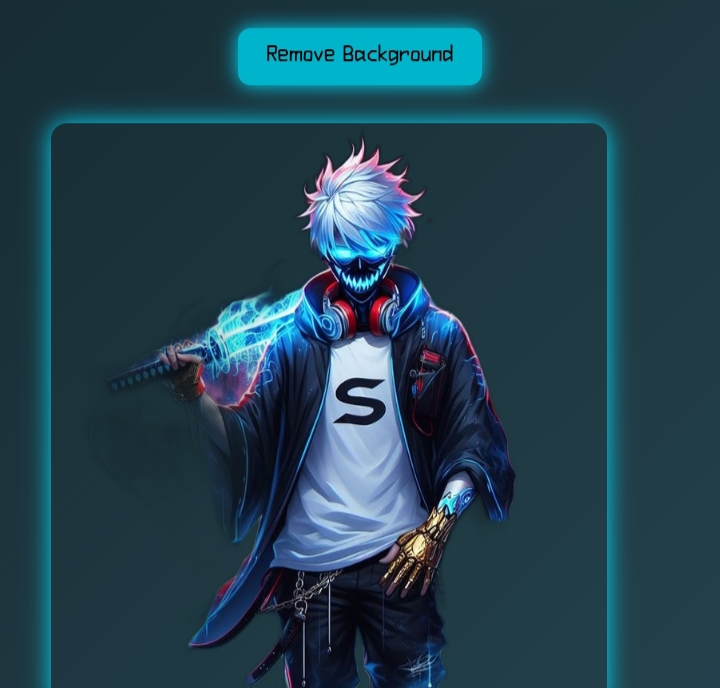
Preview instantly. Download with the original filename. Share if you like.
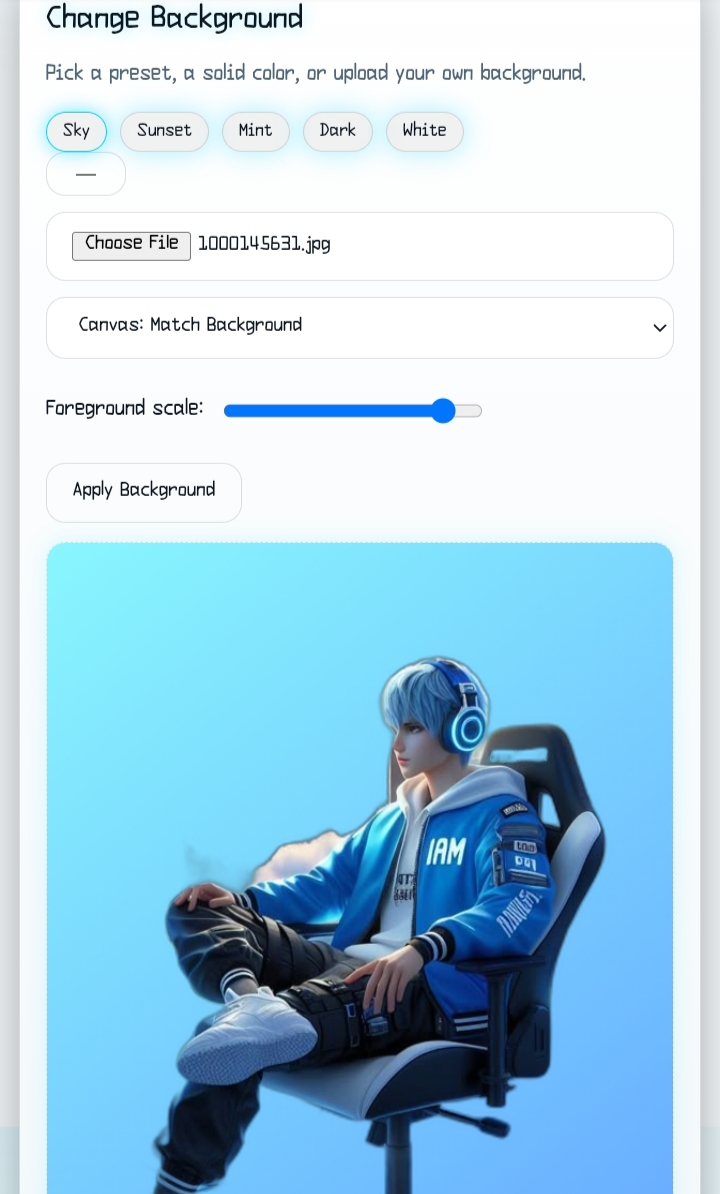
Use presets, a solid color, or upload your own background—then download or save.
✨ Why you’ll love it
Add to Home Screen and use it like an app. Works offline.
Saves to your device (IndexedDB). Search, tags, rename, and share.
Replace with gradients, solid colors, or your own images. Scale and fit.
No sign‑up. Core features remain free. Your images stay with you.
Ready to create?
Jump straight to the editor, or review your saved work in the Gallery.
❓ FAQ
- Is it free? Yes, core features are free. We may add optional paid add‑ons later.
- Does it work offline? Yes. Install the app and your gallery is available offline.
- Where are my images stored? In your browser (IndexedDB). You can also upload to a cloud of your choice.
- Which formats? PNG/JPG input; PNG output for transparent results.